
 by
by How to Review Medications Effectively
What’s the answer to: How do we effectively review multiple medications? It comes down to efficiency!
Before starting, open all of your Prescription Guides in Adobe Acrobat or another PDF Reader with Search Capability.
Quick 3 step process:
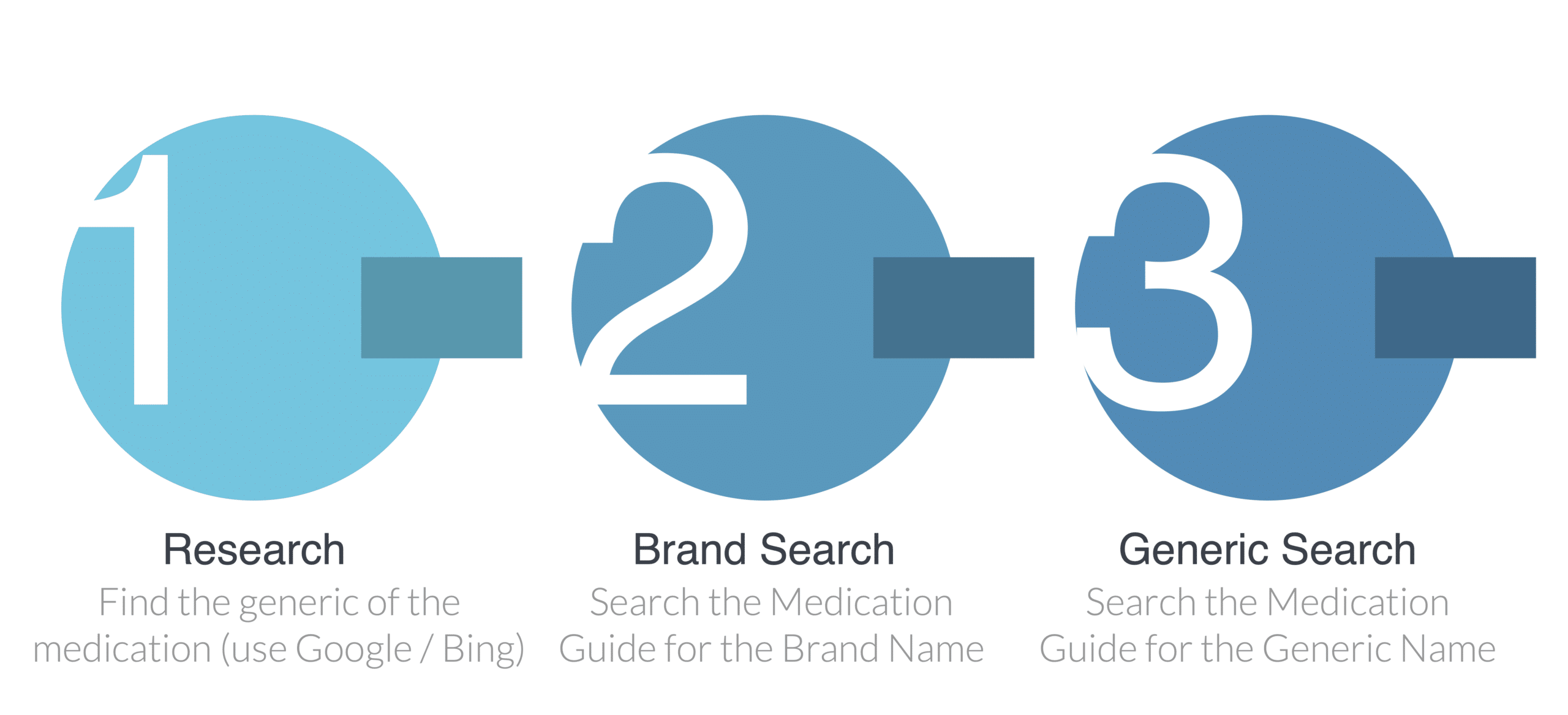
- Research: Using Google/Bing/Other Search Engine look for the generic of the current medication
- Brand Search: Search your PDFs for the full name of the medication. Be aware that the Carrier’s medication guide may have a typo for the medication you’re looking for. If you find an underwriting result (graded/modified/standard/etc), that’s now the best possible option (assuming that the client meets the dates for the medication – some medications say used in the last 2 years).
- Search your PDF for the Full name of the Generic. If nothing comes up, try again, but type each letter of the name slowly because the Carrier’s medication guide may have a typo for the medication you’re looking for.
For both Steps 2 & 3, any underwriting result you find (graded/modified/standard/etc), is now the best possible option (assuming that the client meets the dates for the medication – some medications say used in the last 2 years). So if one medication says preferred, the next one says guaranteed-issue, and the 3rd says graded, they’re limited to guaranteed issue.
Pro Tip: Make sure to get all medications used within the past 2-3 years since they can impact underwriting decisions
A practical example.
- Robert is on Lantus (60 units) and Omeprazole.
- To search for the drugs, you’ll look up the generic of Lantus (which is Insulin) and Omeprazole (which is already a generic).
- You’ll search for Lantus, Insulin, and Omeprazole in the Medication Guide.
- Lantus says Standard. The best possible outcome is now Standard.
- Looking up Insulin, you see standard by default, but more than 50 units is modified. Now, the best possible option is modified.
- Now you look up Omeprazole. No information on that drug.
- The best result is modified.
A warning: carriers may have conflicting information between brand names and generics of medications (its rare, but it happens). In this case, we’d recommend being conservative or calling the company in these cases.
Pro Tip: We made Best Plan Pro to solve most of these problems without you having to think about it. Best Plan Pro evaluates dosages, medication combos, generics, typos, and other underwriting components automatically. You can watch the instant webinar and learn more here: bestplanpro.com/instant-webinar.
Next: How to Organize Multiple Prescription Guides for Efficient Searching
Leave a Reply